Why do reminder bells and red badges kill motivation?
Most to-do apps rely on the same engagement playbook as social feeds: a top-bar notification bell, stacked unread counters, and crimson overdue warnings the morning after you miss a deadline.
In practice, nagging reminders do not make you faster. They create avoidance. Once your inbox turns into a wall of 18 overdue items, you either mute all system notifications or stop opening the app altogether.
How can a task app keep you on track without nagging?
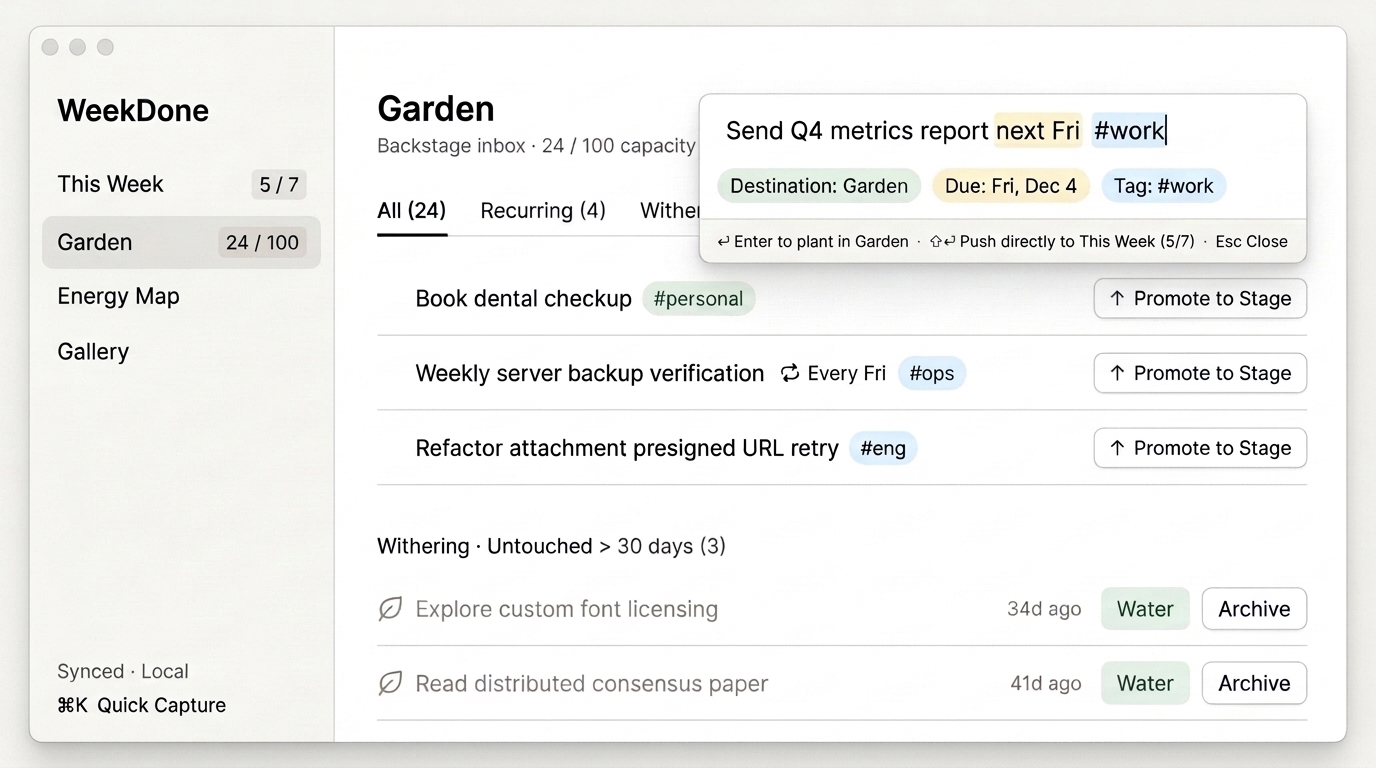
Instead of interrupting you with push notifications, WeekDone relies on spatial design:
- 7 slots are self-explanatory: Because The Stage caps active weekly commitments at 7 tasks, your entire priority list fits in one calm glance—zero reminder popups needed.
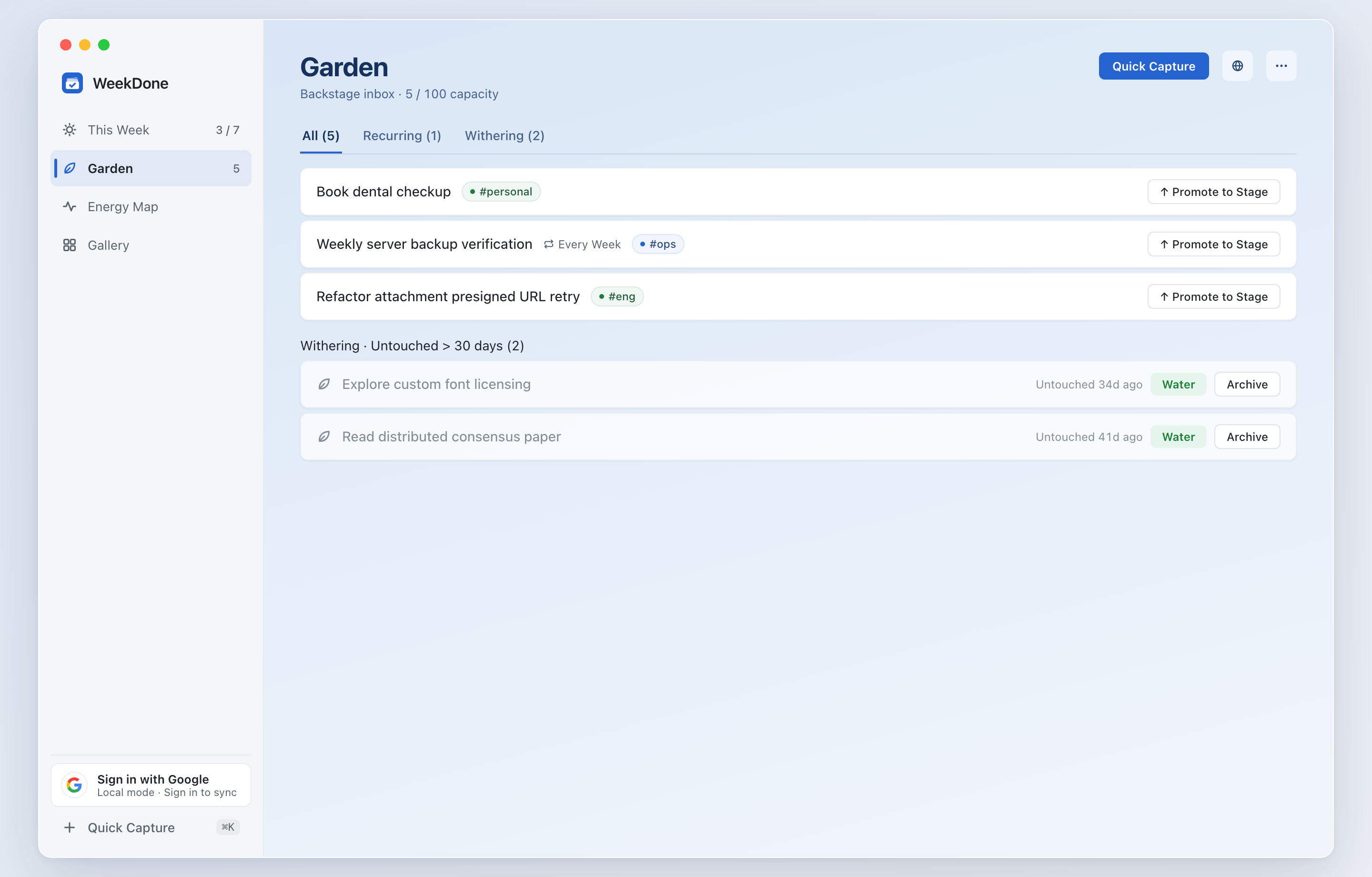
- Gentle 30-day decay instead of red overdue alerts: Ideas parked in The Garden that go untouched for 30 days softly fade into a withered state (
🍂), inviting you to water or archive them without guilt. - Zero enterprise SaaS clutter: No bell icon in the header, no activity feed, and no streak-shaming banners.
What happens during Deep Focus Darkroom?
When you start a 25-minute Pomodoro in Deep Focus Darkroom, WeekDone acts as an anti-notification shield:
| Moment | Traditional To-Do Apps | WeekDone |
|---|---|---|
| Opening the app | Red overdue counters + unread bell badges | Clean 7-slot Stage with zero badges |
| Missed task after 30 days | Escalating overdue warnings | Quietly fades in The Garden (water or archive) |
| During 25-min focus | Competing alerts & toast popups | Fullscreen Darkroom shields out distractions |
| Pomodoro completion | Persistent unread log entry | One gentle chime / transient banner, then gone |
Why calm software compounds over months
Productivity tools only work if you trust opening them on a low-energy Tuesday afternoon. Removing artificial urgency turns WeekDone from a task-nagging boss into a quiet workspace you actually want to return to.
Frequently Asked Questions
Does WeekDone have a notification center or overdue red badges?
No. WeekDone intentionally excludes in-app notification bells, unread counters, and overdue red exclamation badges so opening the app never triggers dread.
Will I miss my Pomodoro timer ending if I switch to another app?
No. When you run a 25-minute Deep Focus Darkroom session or 5-minute break, WeekDone plays a soft chime or emits a single transient completion banner without leaving persistent badges.
How do I remember tasks without daily push notifications?
Because The Stage holds at most 7 active tasks, you can scan your entire weekly commitment in two seconds every time you open WeekDone.
Try focusing on just 7 tasks this week.
Offline-first across Web, macOS, Windows, and Mobile. Zero ads, zero tracking.